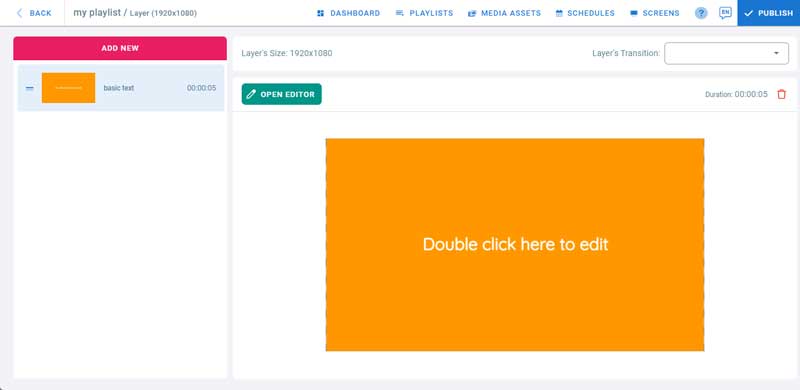
Templates provide pre-designed content of different categories that can edited. It also provides an editor where templates can be created from scratch.
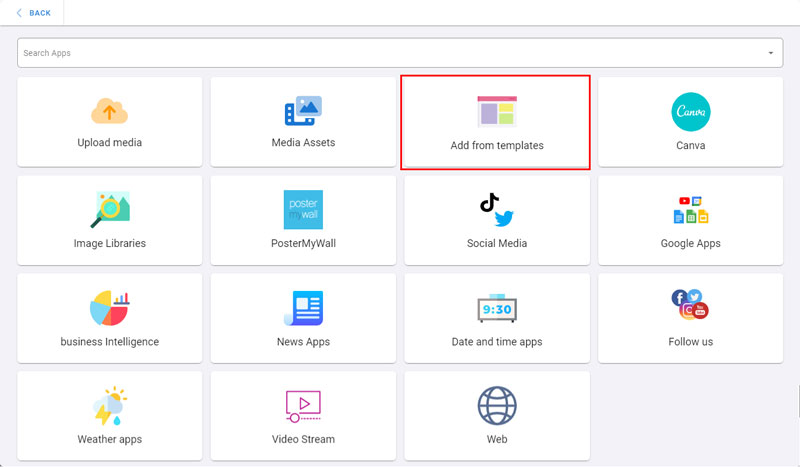
To use templates
-
Open the management console
-
Click on Playlists
-
Open a playlist
-
Click on a layer where you will add a template
-
If the layer has no media, the apps dialog will open. Otherwise, click on Add New
-
Click on Add from Templates
-
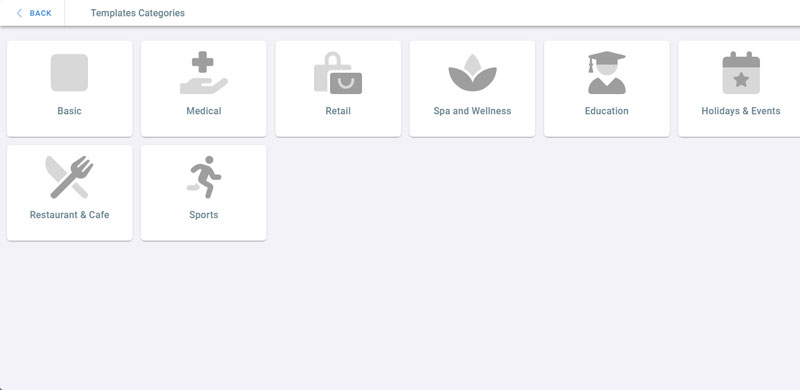
Click on a template category, for example, Basic
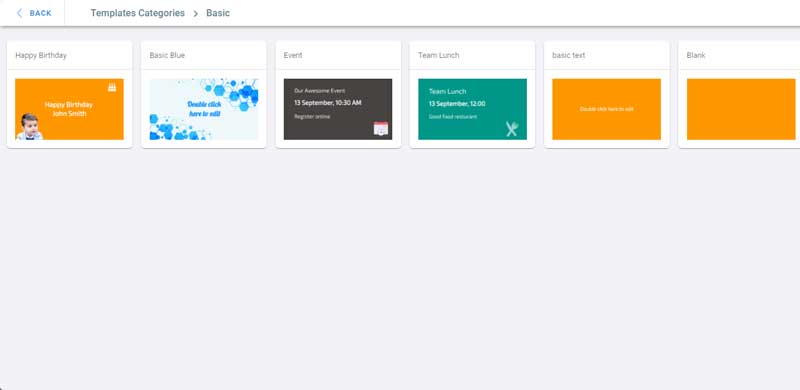
- Click on Basic text to add it. It will be added as an image.
- To Edit the template, Click on Open Editor.